Docko
Job reports and quotes for trades
Your notes into practice tests
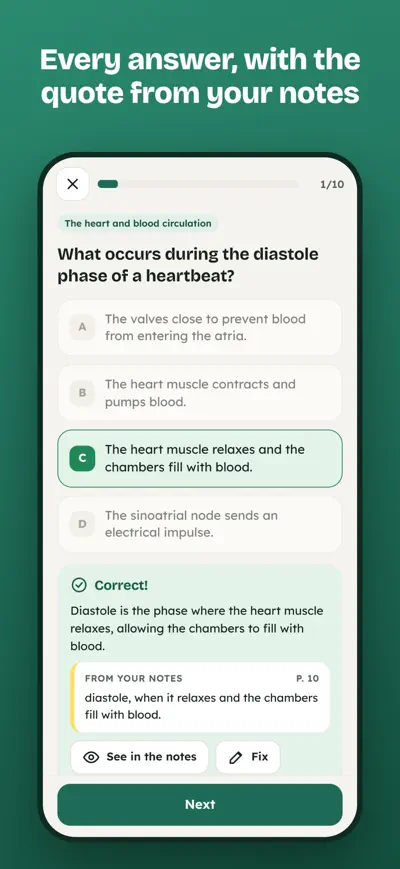
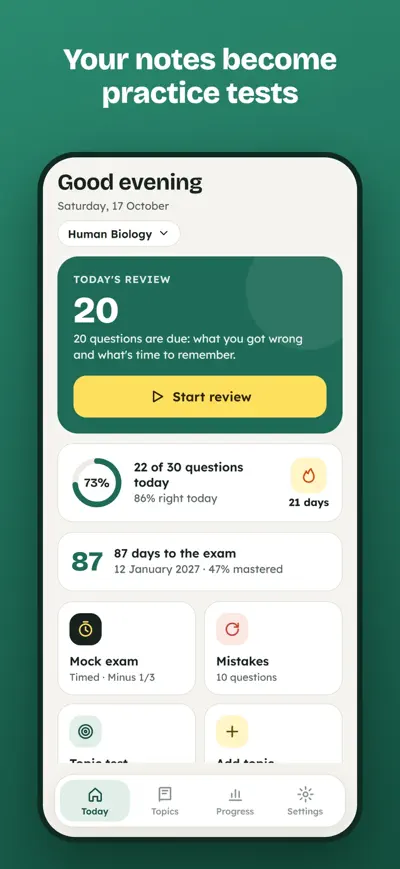
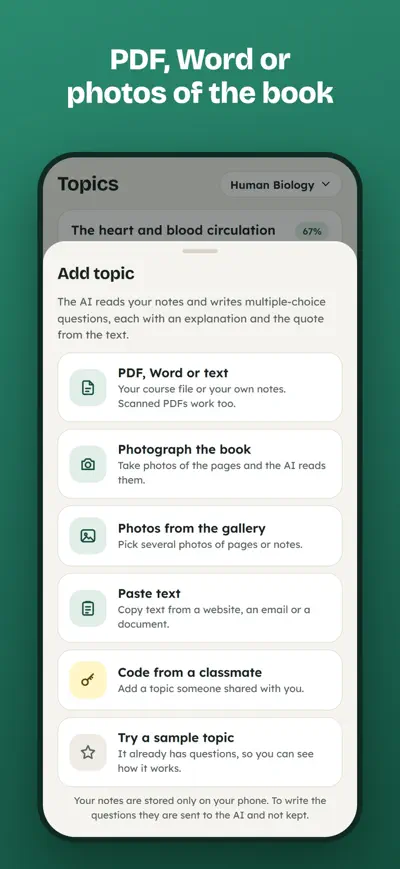
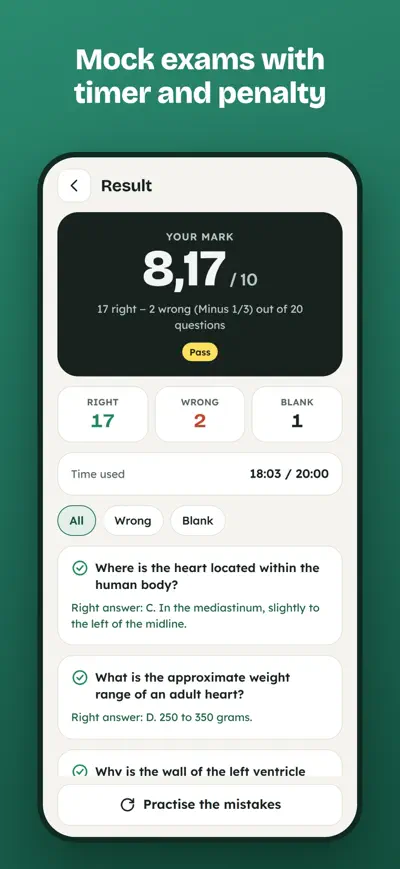
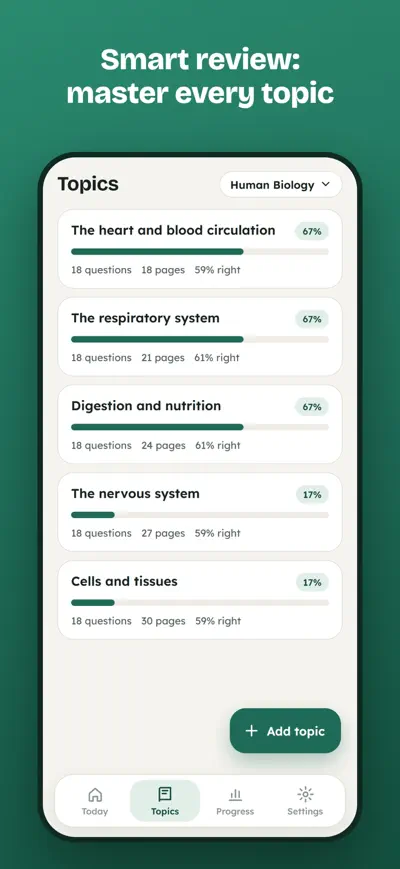
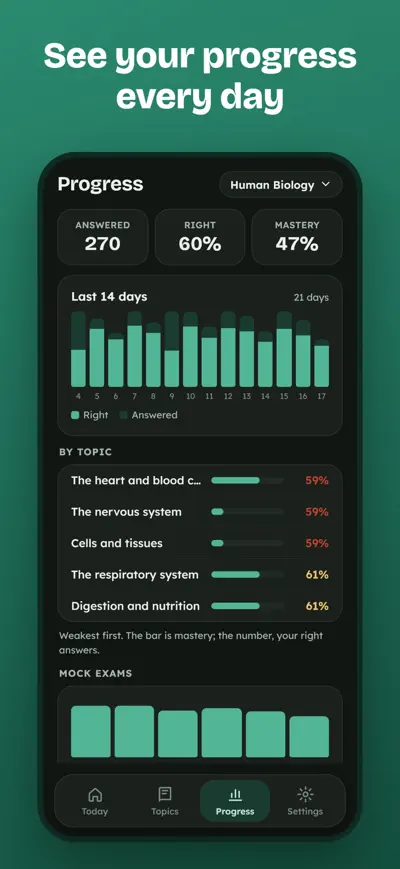
Upload a PDF, a Word file or photos of your book and get practice tests in seconds, each answer with the exact quote from your notes.
Repasa turns your own study material into multiple-choice tests. Upload the PDF from your course, your Word notes or photos of the book, and the AI writes the questions for you, each one with an explanation and the exact paragraph it comes from. Then study with smart review and timed mock exams until you know it all.
Repasa is free to try: one topic created with AI, a sample topic and short mock exams. Repasa Pro (monthly or yearly subscription, with a free trial) adds unlimited topics, photos and scanned PDFs, more and harder questions, full mock exams of up to 100 questions and cloud backup.
Topics › Add topic. Choose a PDF, Word file or text file, take photos of the pages of your book, pick photos from your gallery or paste text. Check the title and tap Create questions. The AI writes them part by part; you can start practising with the first ones right away.
PDFs with selectable text and Word (.docx) files give the best results. Scanned PDFs and photos also work: the AI reads each page first. For photos, use good light, keep the page flat and fit the whole page in the picture. Very long documents are better split into several topics (one per unit).
Every answer quotes your notes so you can check it. Tap “Fix” after answering, or open the question from the topic, to edit the text, the options or the right answer, or to delete it.
Many exams subtract part of a right answer for each wrong one. You can choose none, 1/4, 1/3 or 1/2 in Settings › Subject. The mark is (right − wrong × penalty) ÷ questions × 10; blank answers do not count against you.
Open the topic and tap Share. Send the 6-character code. Your classmates tap Add topic › Code from a classmate. The code works for 90 days and shares the questions, not your file.
With Repasa Pro, your data is backed up automatically. On the old phone, open Settings › My data › Recovery code and keep it. On the new phone, use Restore with code. Without Pro, use Export to a file / Import from a file.
iPhone: Settings › your name › Subscriptions › Repasa. Android: Google Play › Profile › Payments & subscriptions › Subscriptions › Repasa. Deleting the app does not cancel the subscription.
Settings › Restore purchases, using the same Apple ID or Google account you paid with. If it still doesn’t work, write to us.
Job reports and quotes for trades

QR menus, translated
Online booking for salons
Digital business card