Docko
Job reports and quotes for trades
Digital menu in any language
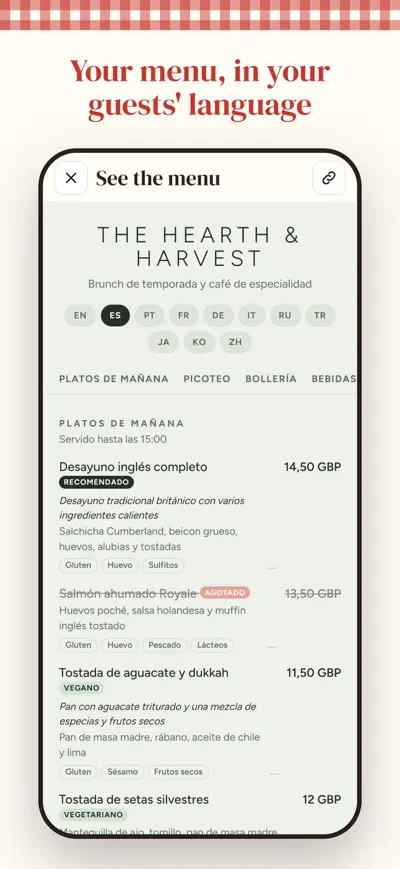
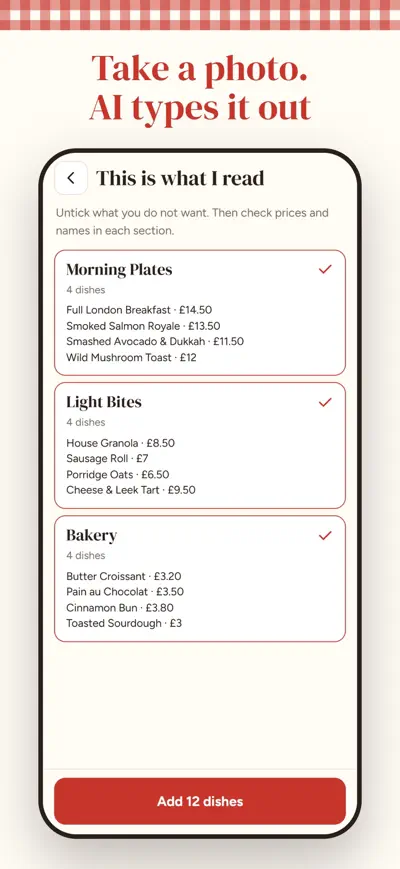
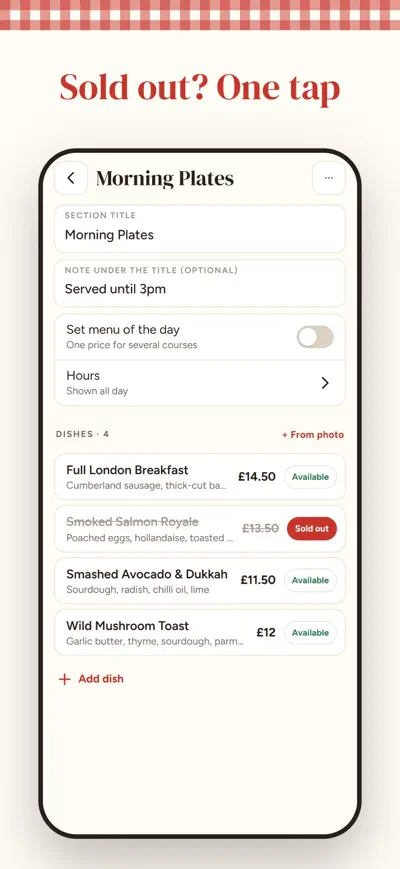
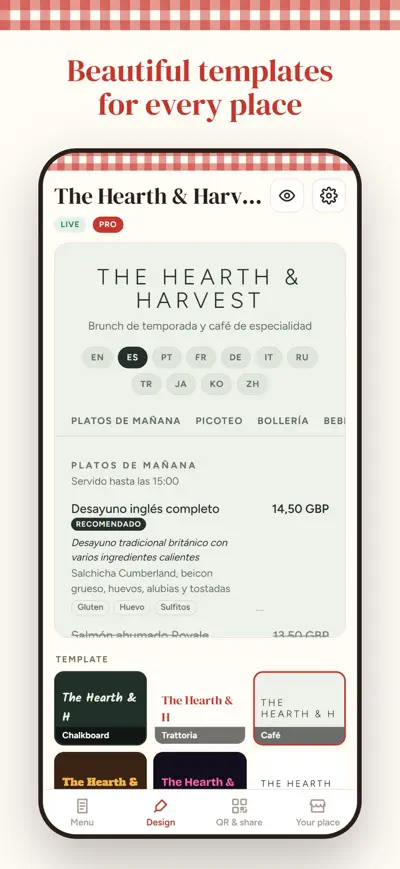
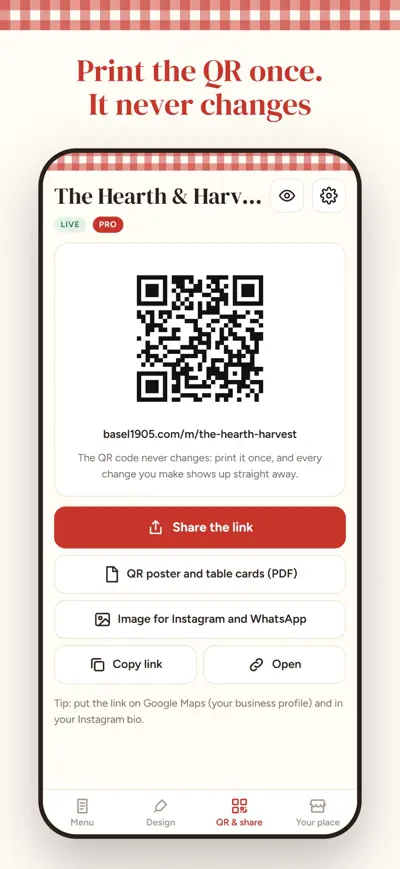
Your menu on every phone, in every language. Take photos of your paper menu, AI types it out and translates it. Print the QR code once and change prices in one tap.
Menuvo puts your restaurant, bar or café menu on your guests' phones with a QR code, in their own language. Take photos of your paper menu or chalkboard and AI types it out for you: sections, dishes, descriptions and prices. Choose a beautiful template, print the QR code once, and every change you make shows up straight away.
Free: one menu with up to 40 dishes, your language plus English, two templates and 12 photo readings a month. Menuvo Pro (monthly or yearly subscription) adds unlimited dishes, 11 languages, all templates, your logo and colours, dish photos, set menu of the day, section hours and visit history.
Write the name of your place, then take photos of your paper menu (or type it). Check the dishes and prices. Your menu goes online by itself; in “QR & share” you find the QR code, the poster and table cards, and the link.
Every change is published in a few seconds. The QR code never changes, so you do not need to print it again.
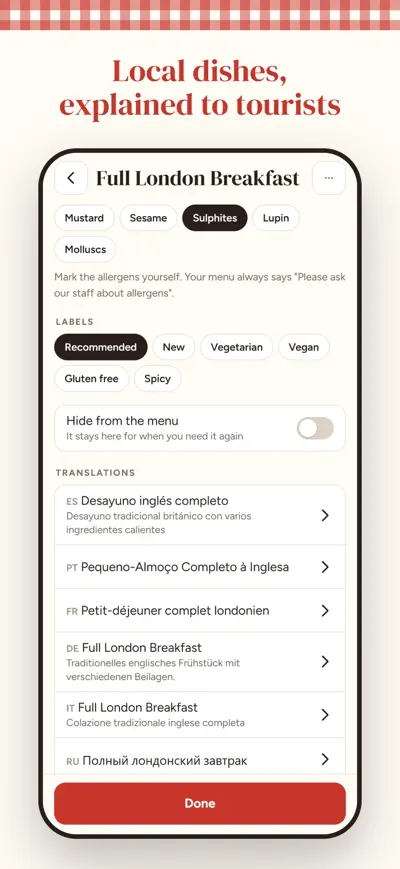
Your menu is translated automatically (English for free, 11 languages with Pro). Guests see it in their phone’s language and can switch. With Pro you can correct any translation from the dish screen.
Mark them on each dish. AI only reads allergens that are printed on your paper menu and never guesses them: check them before publishing.
Settings › Move to another phone shows your code. On the new phone choose “I already have a code” and paste it.
Restore a purchase on a new phone: Settings › Restore purchases. Cancel: Settings › Manage subscription, or your App Store / Google Play account.
Settings › Delete my menu from the internet. The link and the QR code stop working at once.
Job reports and quotes for trades
Online booking for salons
Digital business card
Your notes turned into tests