
Menuvo
QR menus, translated

Work orders, quotes and PDFs
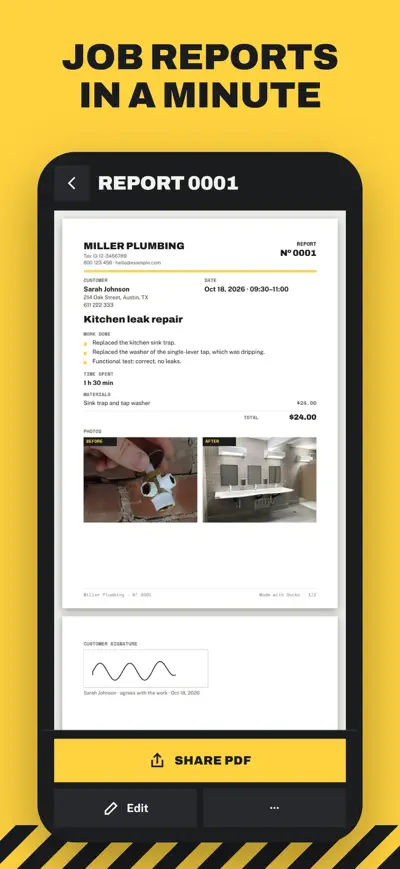
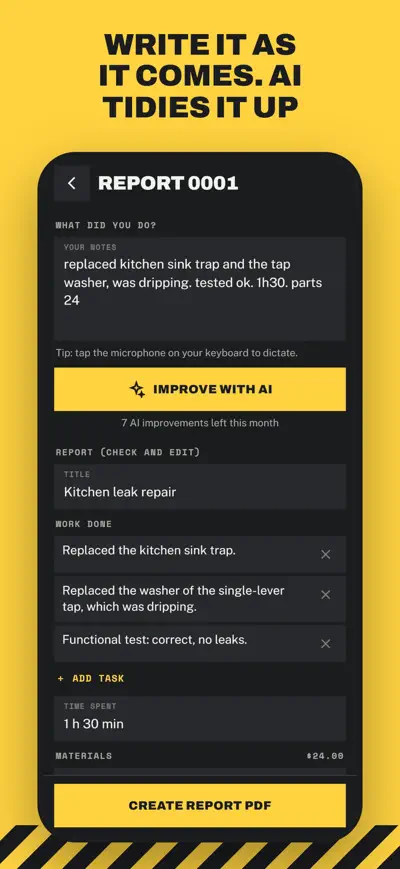
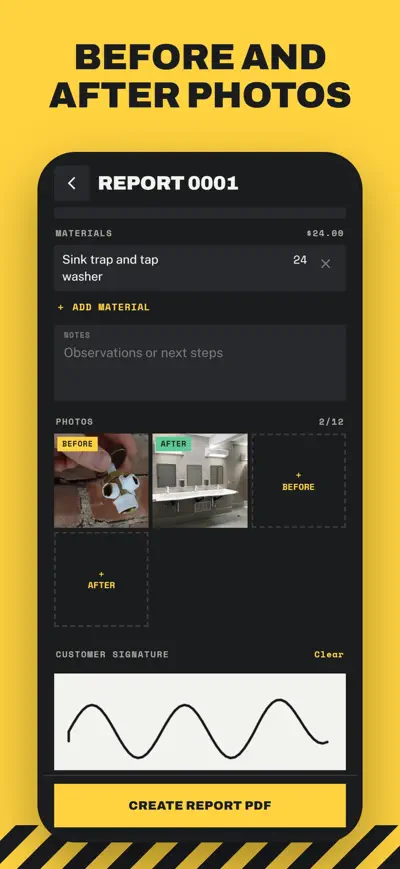
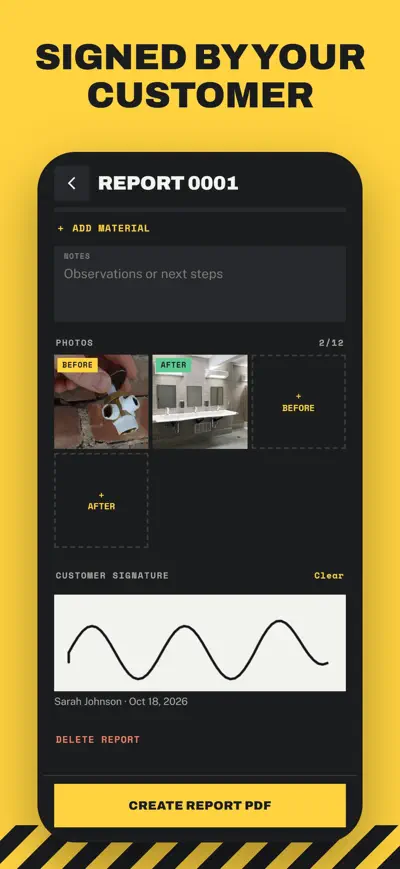
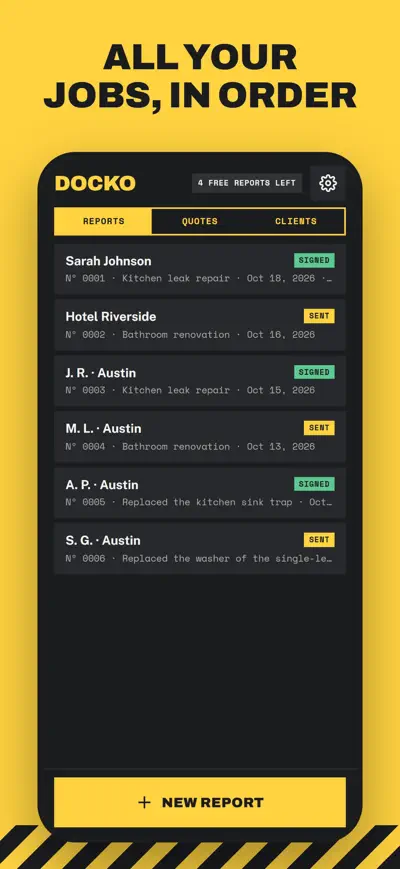
Job reports in a minute: write what you did, let AI tidy it up, add before and after photos, get the customer to sign and share a professional PDF.
Docko is the fastest way for tradespeople to leave a professional job report. Plumbers, electricians, cleaners, gardeners, painters, HVAC, locksmiths, pool and handyman pros: finish the job, write what you did, add before and after photos, let the customer sign on your phone and share a clean PDF in a minute.
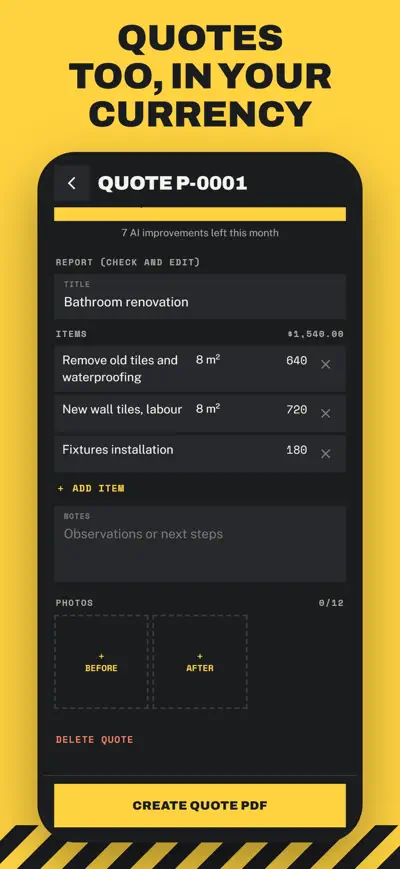
Free: 10 reports a month with photos, signature and PDF. Docko Pro (monthly or yearly subscription) adds unlimited reports, your logo without the Docko mark, quotes, unlimited AI and backup. Docko does not make invoices.
Tap “New report”, choose the customer, write what you did (or dictate with the keyboard microphone), tap “Improve with AI” if you want, add photos, let the customer sign and tap “Create report PDF”. Then “Share PDF”.
Edit any line, or tap “Undo” to go back to your text. The AI only uses what you wrote; if something looks wrong, use “Something wrong with the AI text?” on the document.
Settings › Improve with AI: turn it off to fill in the fields yourself. It works offline.
Settings › My business. The logo is part of Docko Pro.
Restore a purchase on a new phone: Settings › Restore purchases. Cancel: Settings › Manage subscription, or your App Store / Google Play account.
Your data is on your phone. With Docko Pro use Settings › Back up everything, then Settings › Restore a backup on the new phone.
QR menus, translated
Online booking for salons

Digital business card

Your notes turned into tests