
Turnio
Shift calendar you can share
Basel1905 › Home, family and travel

Organize, search & free space
In review at the stores. You’ll be able to download it very soon.
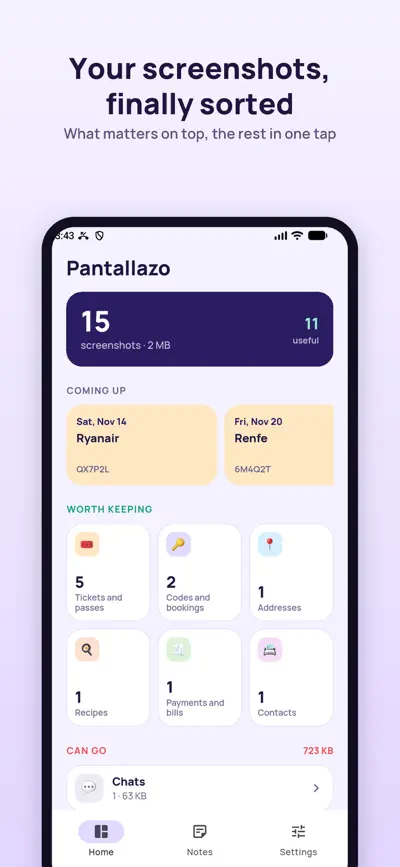
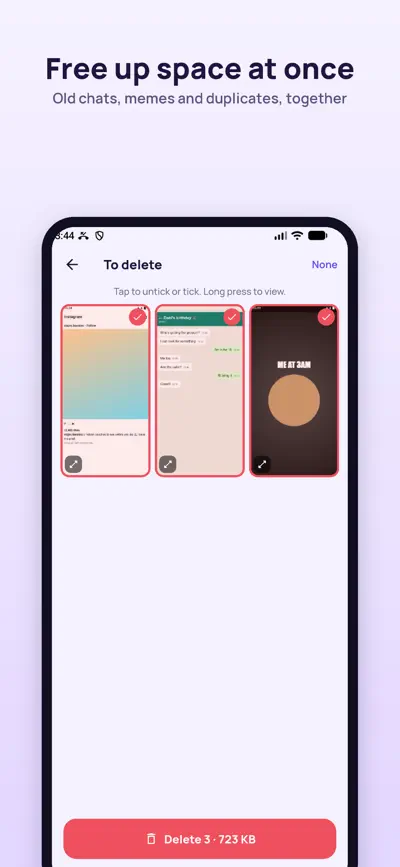
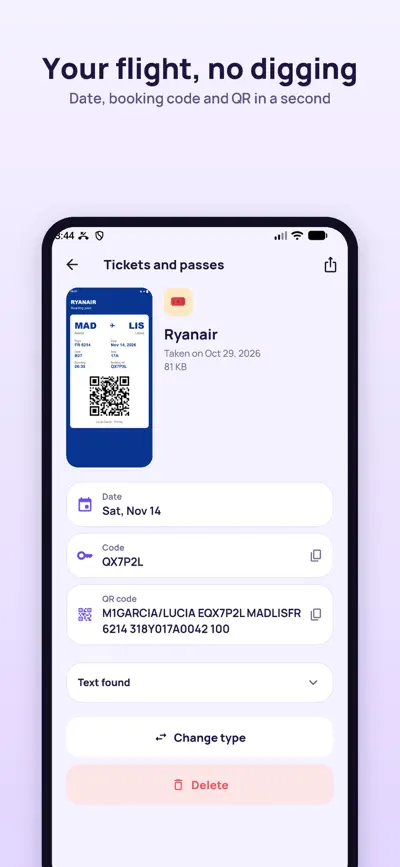
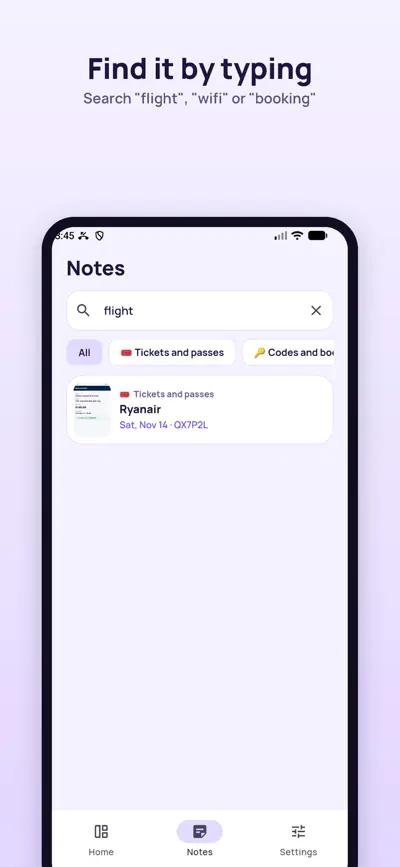
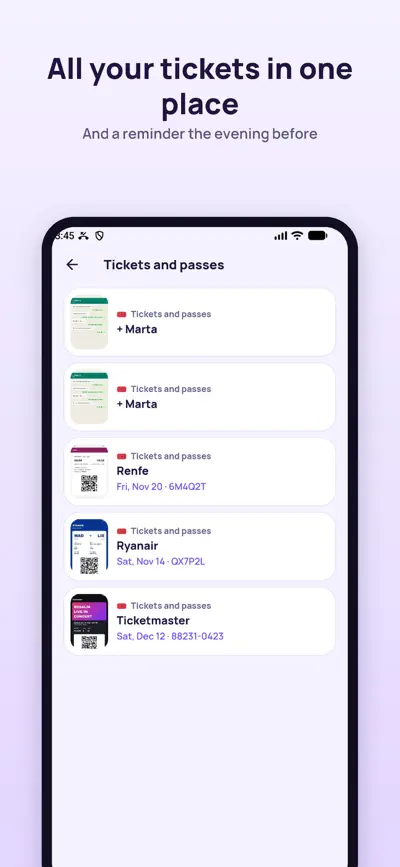
Find your boarding pass, order code or wifi password among thousands of screenshots, and clear the rest in one tap.
You have thousands of screenshots. Between memes and old chats hide your boarding pass, the order code, the wifi password or that recipe. Pantallazo finds them, keeps them as notes and helps you delete the rest.
All as notes you can search: type "flight" or "wifi" and there it is.
Your dated tickets show up at the top, and we remind you the evening before.
Your screenshots are read on your own phone. Nothing is uploaded, no accounts, no ads.
With Pro you can switch on AI to sort what is left unsorted. Only the text is sent, never the image.
Free: read all your screenshots, rescue what matters and delete up to 50 a day. Pro: delete without limits and at once, sort with AI and get reminders before your tickets. Weekly with 3 free days, yearly or lifetime.
Subscriptions are charged to your account at confirmation or when the trial ends, and renew automatically unless cancelled at least 24 hours before the end of the period. Manage them in your account settings.
Give it access to your photos: on iPhone Settings › Pantallazo › Photos › Full access; on Android Settings › Apps › Pantallazo › Permissions › Photos.
Open it and tap "Change type" or "This is useful". Pantallazo remembers it.
Deleted screenshots stay 30 days in your phone bin: Photos › Recently Deleted on iPhone, or the Bin of your gallery app on Android.
Settings › Restore purchases, with the same Apple or Google account.
iPhone: Settings › your name › Subscriptions. Android: Play Store › your profile › Payments and subscriptions.
Shift calendar you can share

The school planner that fills itself

Homework explained to parents

Split the bill to the cent