
Turnio
Shift calendar you can share
Basel1905 › Home, family and travel
Class chats into reminders
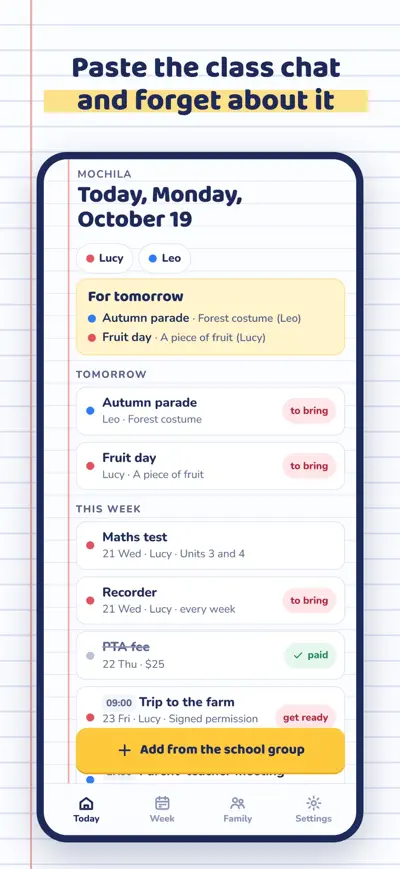
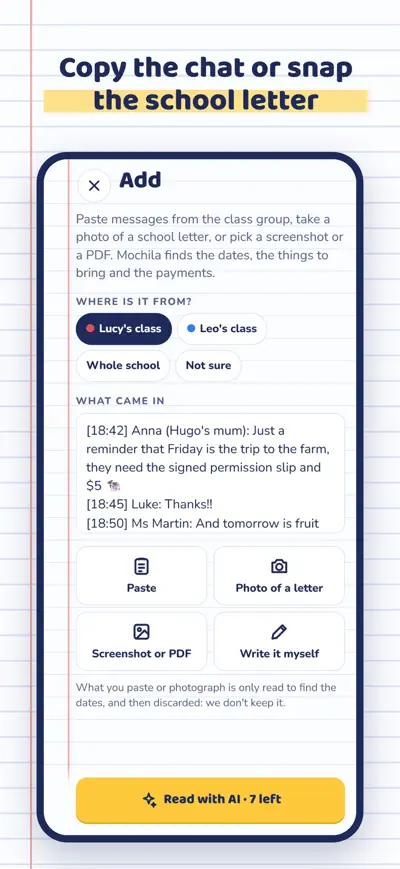
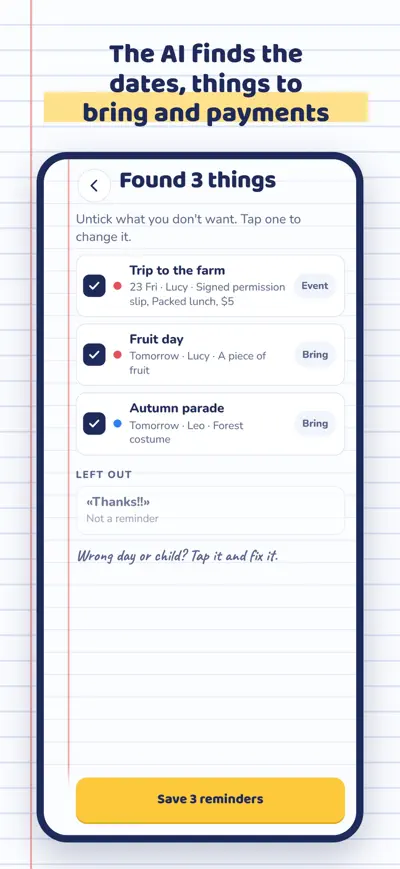
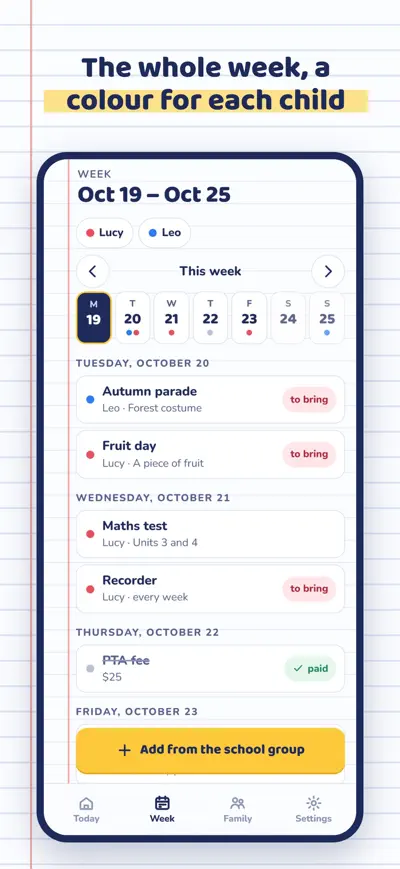
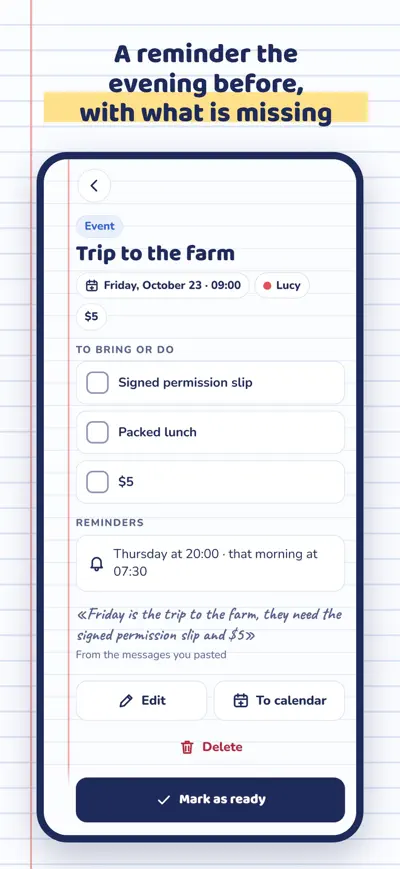
Paste the class group chat or snap the school letter: the AI pulls out dates, things to bring and payments for each child, and reminds you the evening before.
Mochila is the school planner that fills itself in. Copy the messages from the class group, take a photo of the school letter or pick a screenshot of the school app, and Mochila turns it into reminders with the date and the child they are for: "Friday, school trip, bring the signed slip and $5". It reminds you the evening before, and your partner sees it too.
Free with 10 AI reads a month and unlimited reminders written by hand. Mochila Pro (monthly or yearly subscription, with a free trial on the yearly plan) adds reads without a monthly limit, the family backpack for up to 6 people and calendar export. No ads, no tracking: what you paste is read and thrown away.
Tap "Add from the school group". Paste the messages (in the chat: press and hold, Copy), take a photo of a letter, or pick a screenshot or a PDF. Choose whose class it comes from if you know, and tap "Read with AI". On Android you can also use Share › Mochila from the chat, the mail or the school app.
Before saving you see everything it found: tap one to change the day, the child or what to bring. Afterwards, open the reminder › Edit. With the class and the teacher filled in for each child, it gets it right more often.
Settings › Reminders: the evening before and in the morning, at the times you choose. On Android, turn on "Reminders right on time" so they are not delayed.
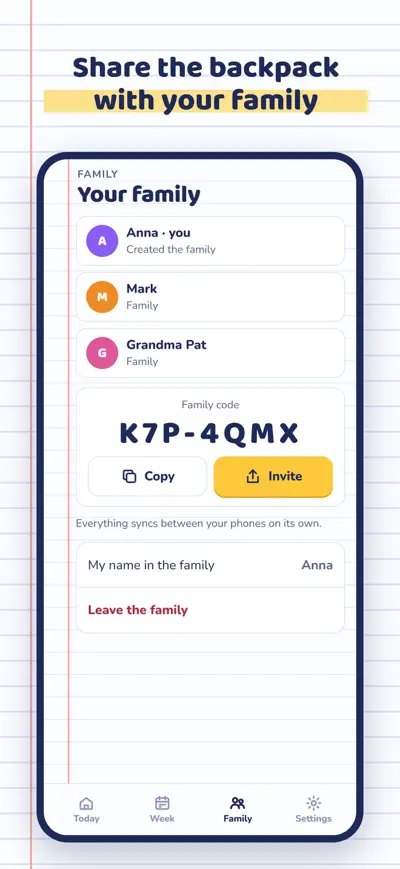
Family › Create the family backpack (Mochila Pro) and send the code to your partner or the grandparents. They enter it in Family › I have a code. Only one person needs Pro.
On the old phone, Settings › Move to another phone shows your code. On the new phone, Settings › Move to another phone › I have a code. Your children, reminders, Pro and family come with it.
Restore a purchase on a new phone: Settings › Restore purchases. Cancel: Settings › Manage subscription, or your App Store / Google Play account.
Shift calendar you can share

Homework explained to parents

Split the bill to the cent

All your loyalty cards