
Turnio
Shift calendar you can share
Basel1905 › Home, family and travel

All your cards in one place
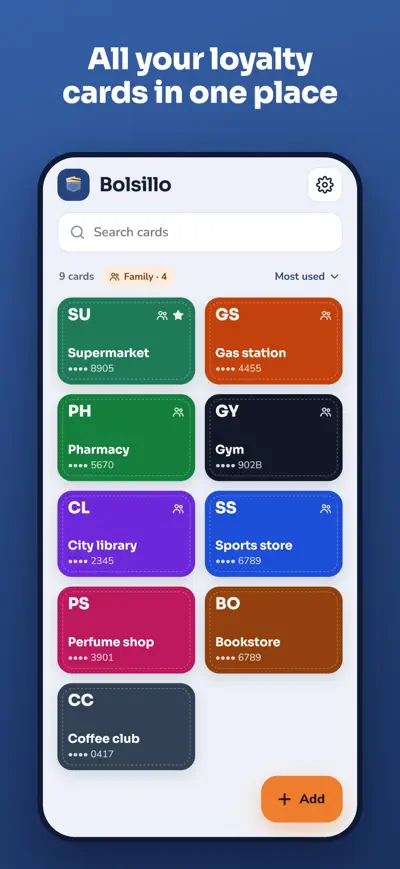
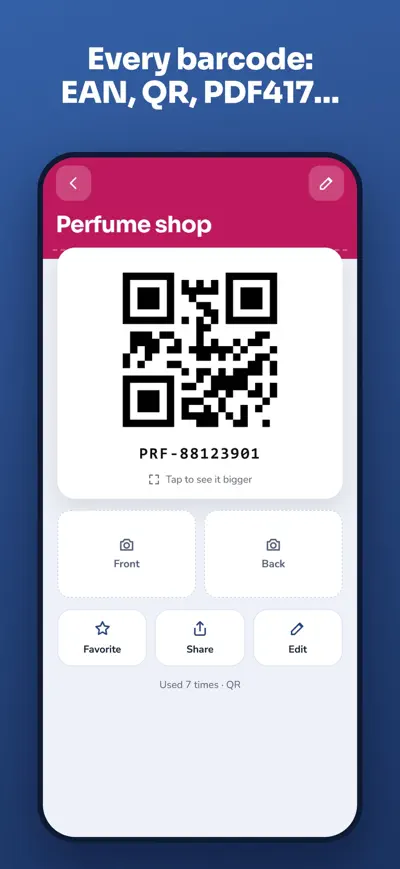
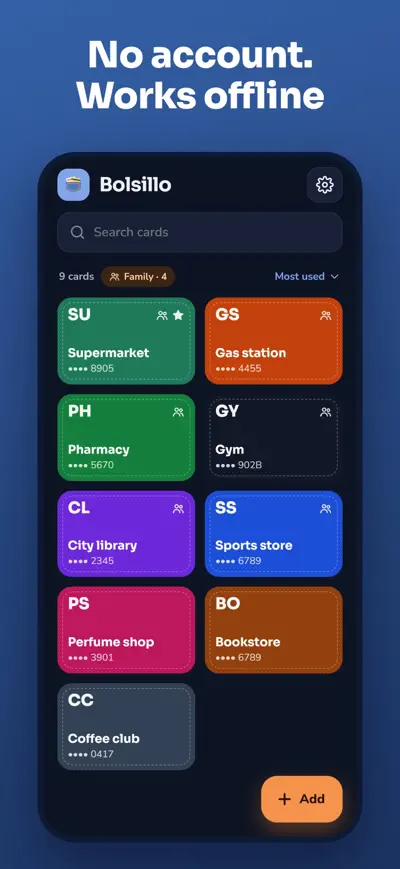
Scan your loyalty cards once and show them at the checkout from your phone, at full brightness and even offline. Share them with your family.
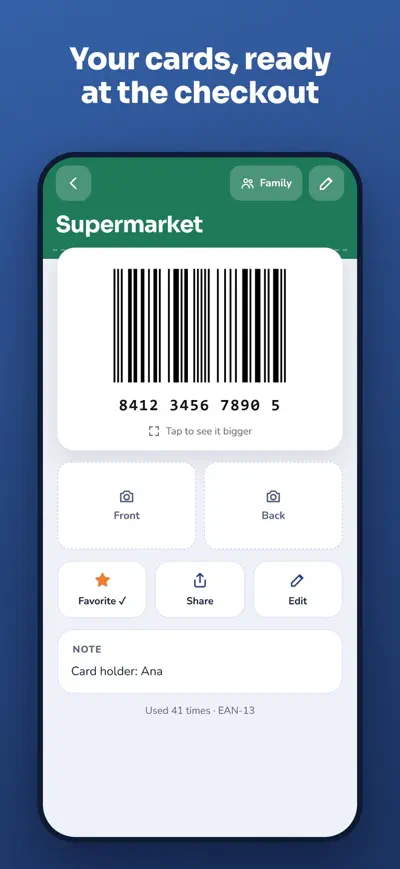
Bolsillo keeps all your loyalty, membership and club cards on your phone. Scan the barcode of each card once and, at the checkout, open it in a second: the screen goes to full brightness so the scanner reads it, even with no signal. Leave the plastic cards at home.
Bolsillo is free, with a small banner under the list of cards. Bolsillo Pro is a one-time purchase (not a subscription): it removes the ads and adds the family wallet, cloud backup of your cards and photos, and the code to move them to a new phone.
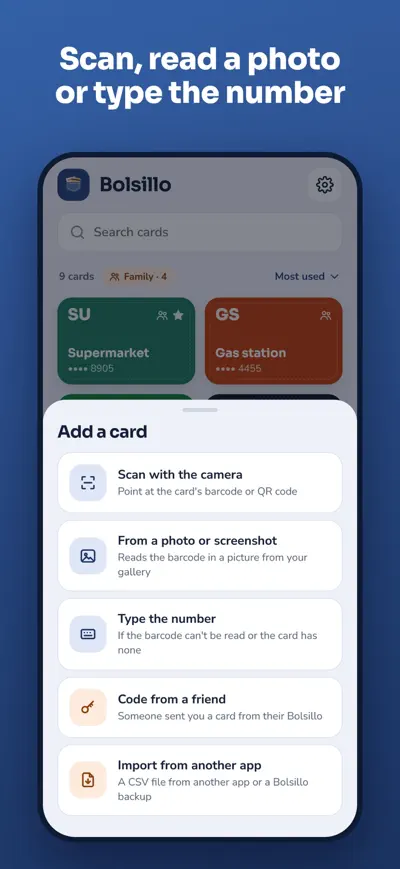
Tap Add › Scan with the camera and point at the card’s barcode. You can also read the barcode from a photo or screenshot, type the number, add a card a friend shared with a code, or import cards from another app.
Use good light, hold the card flat and fill the frame with the barcode. If it still fails, choose Type the number and type the digits printed under the barcode; Bolsillo picks the barcode type for you (you can change it in Barcode type).
Bolsillo turns the brightness up when you open a card (Settings › Full brightness). Tap the barcode to see it bigger and turned sideways. Some old laser scanners cannot read screens; in that case read out the number shown under the barcode.
Stocard no longer lets you export your cards, so add them again by scanning them; it takes a few seconds per card. If you used Catima, export a file from Catima and use Add › Import from another app.
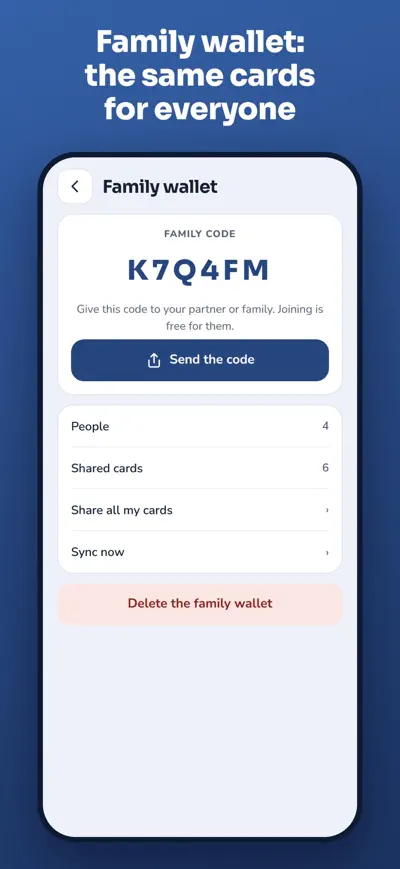
Someone with Bolsillo Pro creates it in Settings › Family wallet and sends the code. Everyone else joins for free with Join with a code. The cards you share appear on every phone of the wallet. Photos are not shared.
With Bolsillo Pro your cards are backed up automatically. On the old phone open Settings › My data › Recovery code and keep it; on the new phone use Restore with code. Without Pro, use Export to a file and then Import a file.
Settings › Restore purchases, using the same Apple ID or Google account you paid with. If it still doesn’t work, write to us.
Shift calendar you can share

The school planner that fills itself

Homework explained to parents

Split the bill to the cent