
Turnio
Shift calendar you can share
Basel1905 › Home, family and travel

Draw names, wish lists & ideas
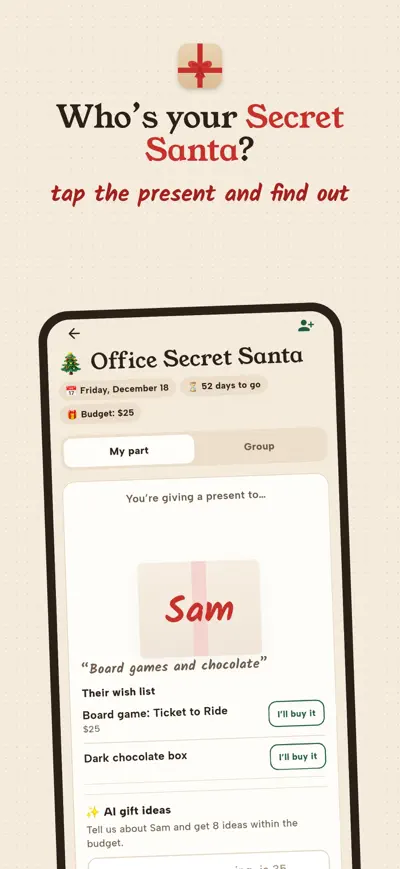
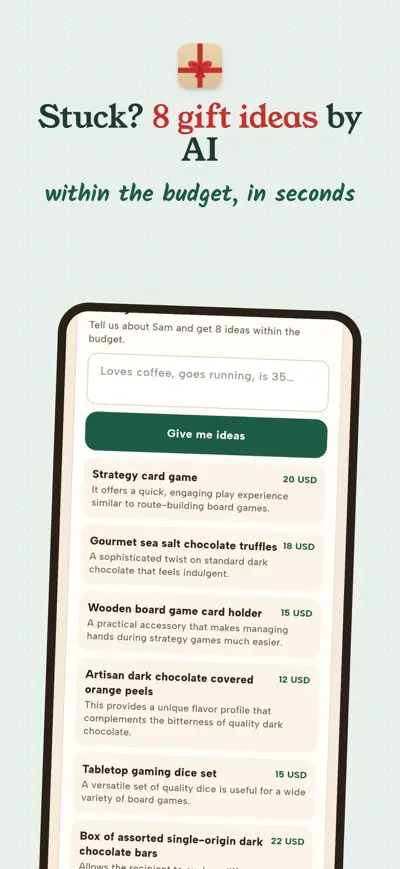
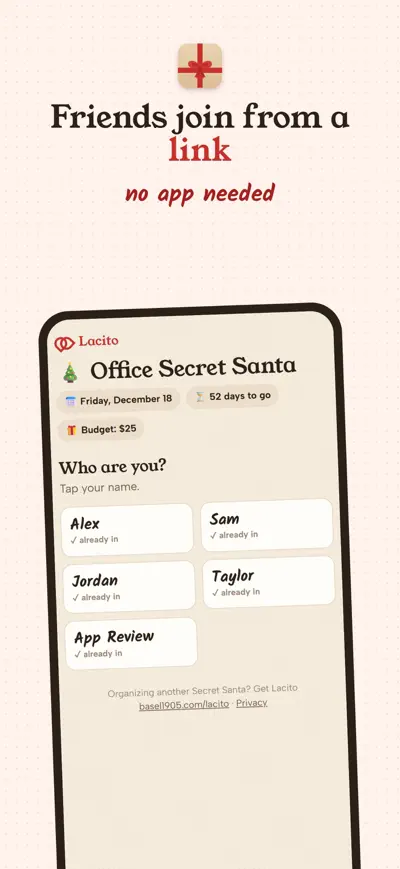
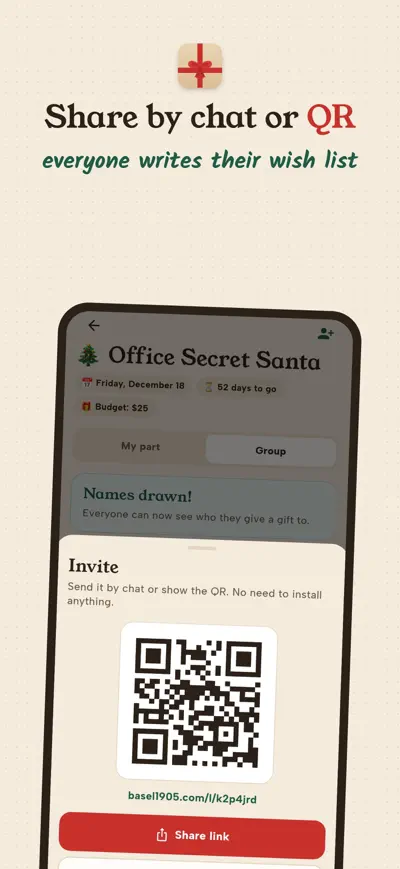
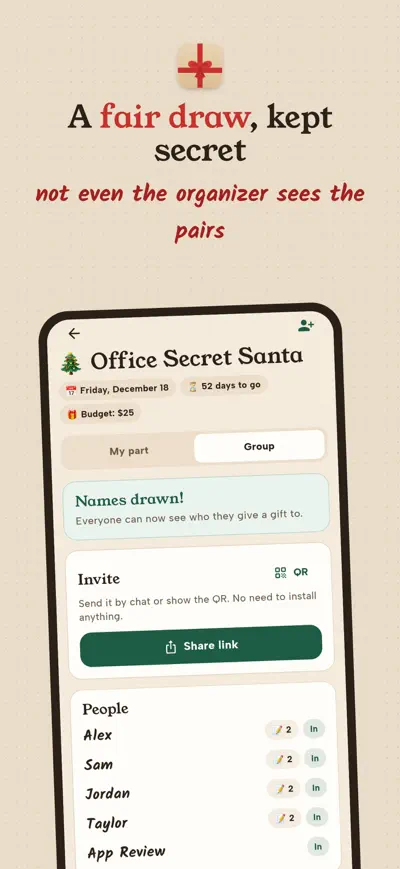
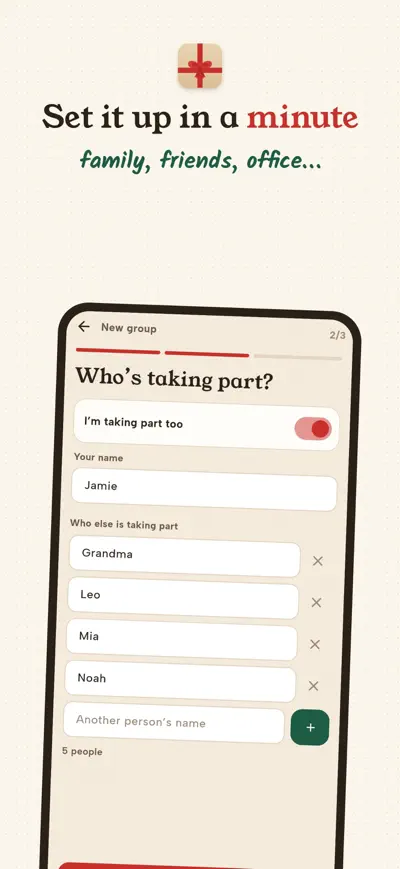
Organize your Secret Santa in a minute. Friends join from a link, write their wish lists and get AI gift ideas.
Secret Santa, done right.
Lacito draws names in a minute, with no bits of paper and no cheating. You create the group, share a link, and everyone else joins from their browser. Nobody needs to install anything.
Free: one group at a time, up to 8 people, 3 rounds of AI ideas per person.
No ads. No accounts. Groups are deleted automatically 60 days after gift day.
Create a group in the app, add the people and share the link. Each person opens it, taps their name, chooses a 4-digit PIN and writes their wish list. When everyone is in, the organizer draws the names. Each person then sees who they give a present to.
No. The link opens a web page where they can do everything. If they install Lacito, they can join with the same link and PIN.
Ask the organizer to remove you from the group and add you again (your list is lost) or write to us.
No. Nobody sees the full draw; each person only sees their own match.
The organizer edits the group and removes them. Changing the people or the exclusions cancels the draw, so draw again and tell everyone to look again.
Settings › Restore purchases, with the same Apple ID or Google account you bought it with.
Delete a group from its screen, or everything you organize from Settings › Delete my data. To delete your entry in someone else’s group, ask its organizer or write to us.
Shift calendar you can share

The school planner that fills itself

Homework explained to parents

Split the bill to the cent