
Turnio
Shift calendar you can share
Basel1905 › Home, family and travel

Visa & ID photo, print at home
In review at the stores. You’ll be able to download it very soon.
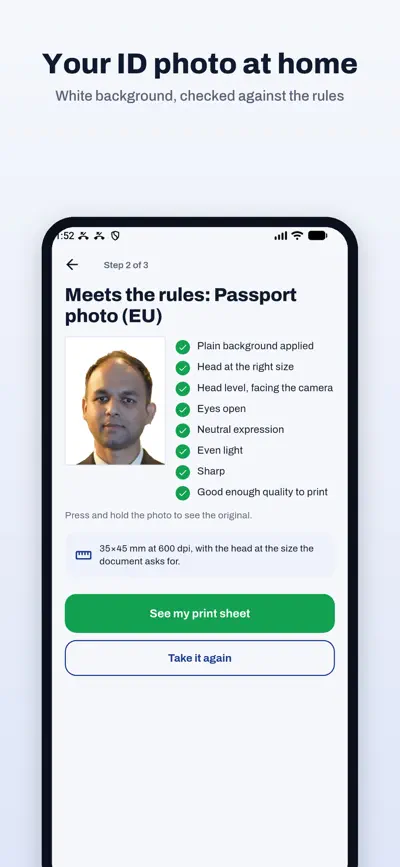
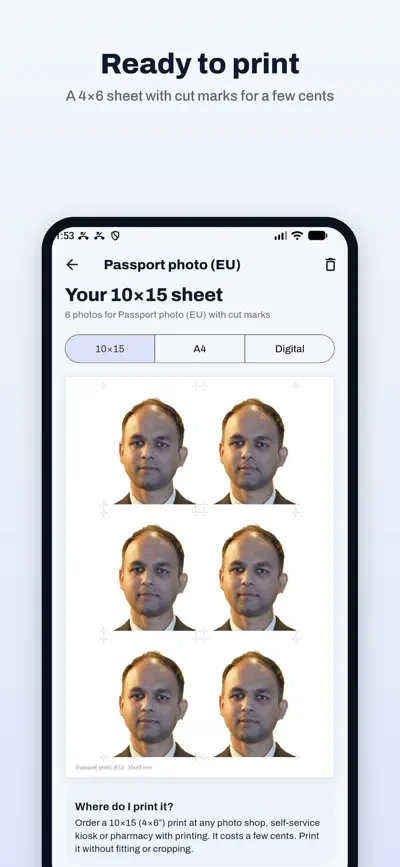
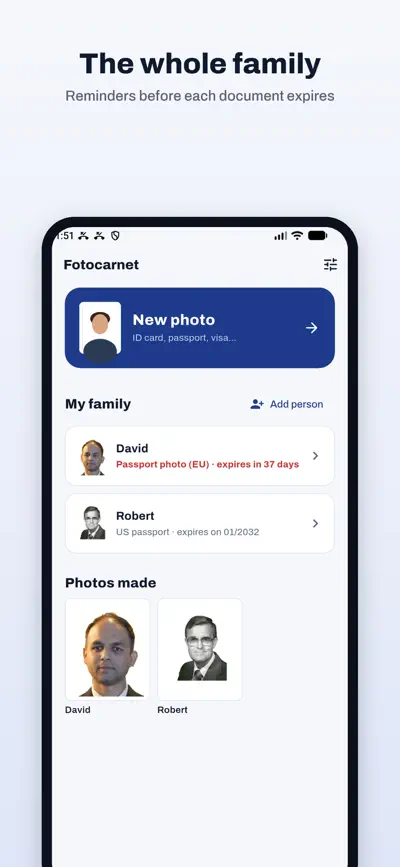
Your passport or ID photo at home in a minute: truly white background, checked against the rules and ready to print for cents. No subscription.
Make your ID photo at home, with your phone, in a minute. For passports, visas, ID cards, residence permits or driving licences. With a truly white background, checked against each document's rules and ready to print for a few cents.
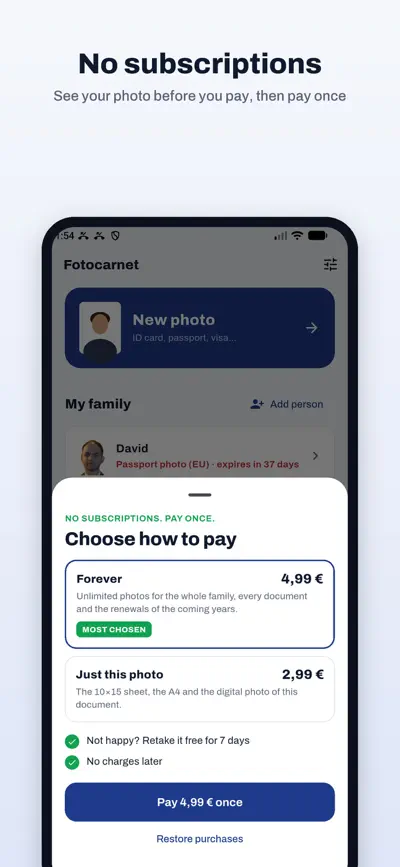
You see your checked photo before you pay. Then you pay once: just this photo, or every photo for the whole family forever. No surprise charges.
We cut the person out, hair included, and add the background each document asks for: white, light grey, light blue or cream.
Head size, looking straight ahead, eyes open, neutral expression, even light, sharpness and print quality. Every point in green, or with what to fix.
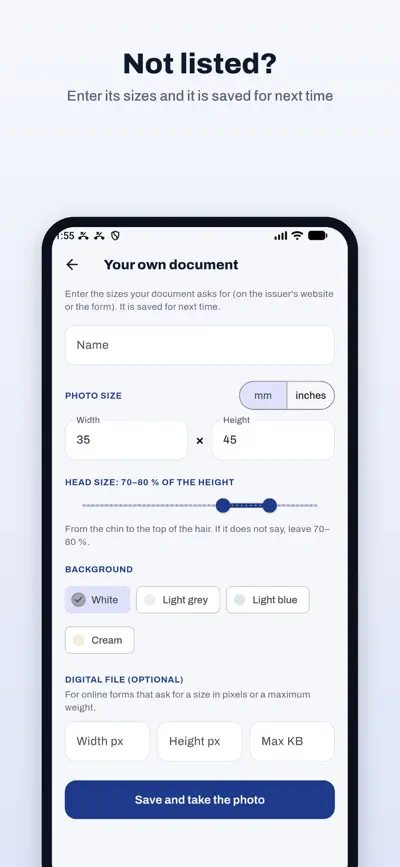
Not listed? Enter its sizes, the head size and the background, and it is saved for next time.
Keep each person's photos and the expiry date of their documents: we remind you two months before so you can book in time.
Everything happens on your phone. Your face is never uploaded. No accounts and no ads.
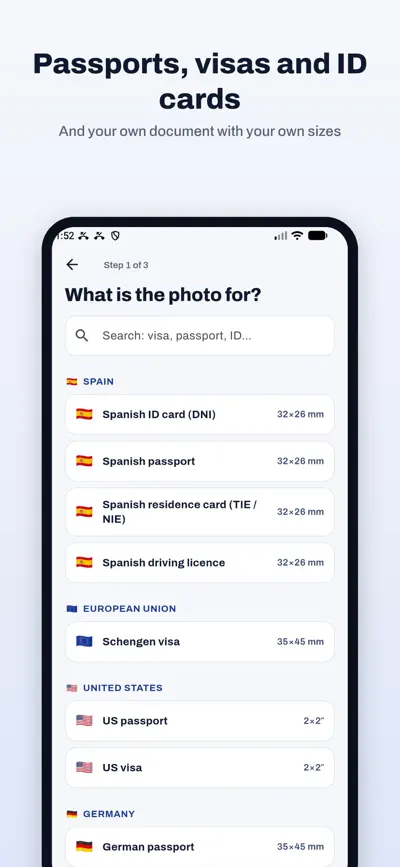
Included documents: US passport and visa; Schengen visa; UK, Canadian, German, French and Italian passports; China visa; Spanish ID card, passport, residence card and driving licence; and general sizes 2×2 in, 35×45 mm and 32×26 mm.
Save the 10×15 sheet and order a 10×15 cm (4×6 in) print at any photo shop, self-service kiosk or pharmacy with photo printing. Print it at 100 %, without fitting or cropping, and cut along the marks.
Stand in front of a plain wall with light from the front, and keep your hair away from your face. The cleaner the original, the cleaner the cut.
Use "Your own document" at the end of the list and enter the sizes from the issuer's website. It is saved for next time.
Settings › Restore purchases, with the same Apple or Google account.
Allow camera access: on iPhone Settings › Fotocarnet › Camera; on Android Settings › Apps › Fotocarnet › Permissions. You can also pick a photo from your library.
Shift calendar you can share

The school planner that fills itself

Homework explained to parents

Split the bill to the cent