
Estila
Feedback on your outfit
Basel1905 › Curiosities and readings

Collect the faces in objects
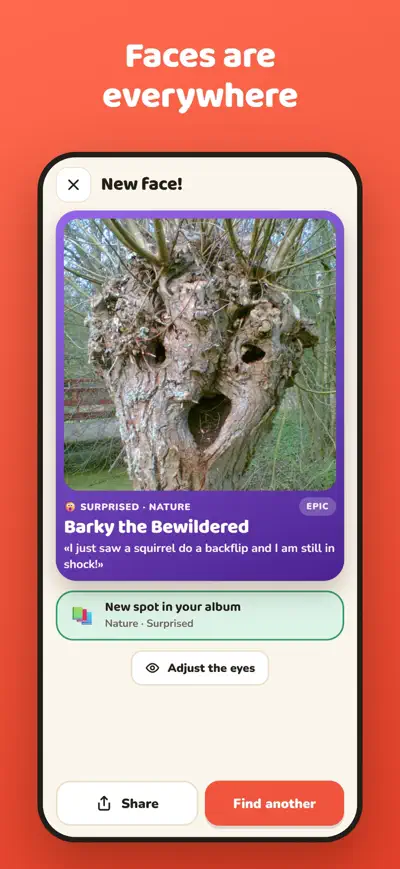
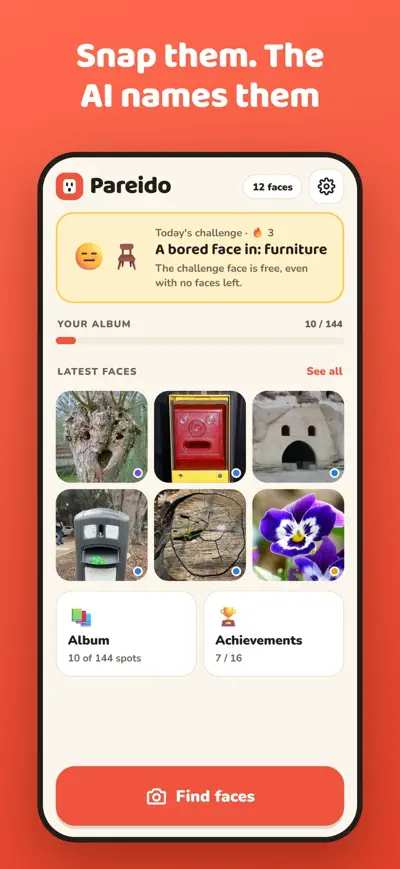
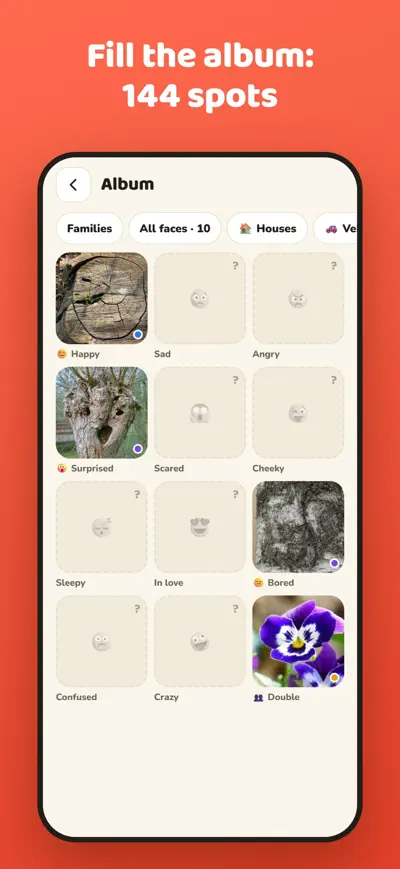

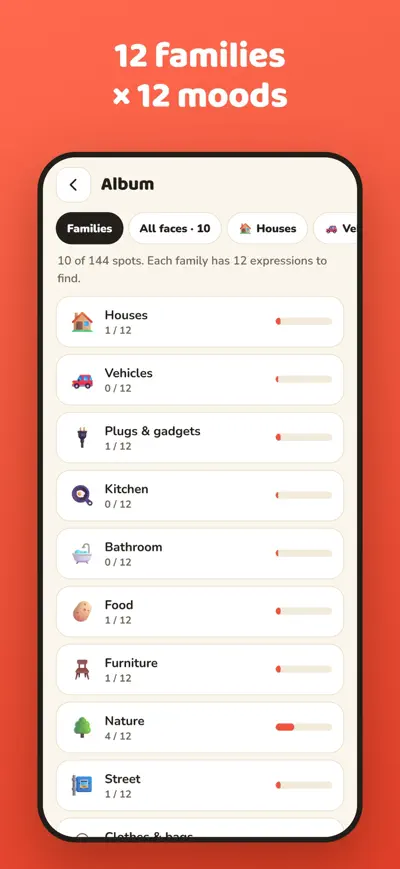

A surprised socket, a sad house, a grumpy kettle. Snap the faces hiding in everyday things: the AI finds the eyes, names them, and they blink in your album.
Once you see them, you can’t stop: a surprised socket, a sad house, a grumpy kettle, a car that smiles. Pareido turns that into a collection. Take a photo of a face you spot in a thing, and the AI finds its eyes and mouth, reads its expression, gives it a name and a line, and makes it blink.
Free with 20 faces, plus the daily challenge face. When they run out, you can watch a short ad for another face or get Pareido Plus (monthly or yearly subscription, or a one-time lifetime purchase) for unlimited faces, special frames and a backup of your collection.
Get closer so the face fills the photo, try another angle and good light. Very subtle faces sometimes need a second try. A photo with no face never uses up a free face.
Open the face, tap “Adjust the eyes” and drag the circles onto the eyes.
Rename the face from its page. If the text is inappropriate, use “Something wrong with the text?” to report it; we will review it and the line is hidden on that card.
You have 20 free faces in total, plus the daily challenge face (always free). Then you can watch up to 3 rewarded ads a day (+1 face each) or get Pareido Plus. To restore a purchase on a new phone: Settings › Restore purchases. To cancel a subscription: Settings › Manage subscription, or your App Store / Google Play account.
Your faces live on your phone. With Pareido Plus use Settings › Back up my faces to save a file, then Settings › Restore a backup on the new phone.
Delete faces from their page, or uninstall the app. Our server does not keep your photos.