Pareido
Collect faces you see in things
Basel1905 › Curiosities and readings
Your aura as an instant photo
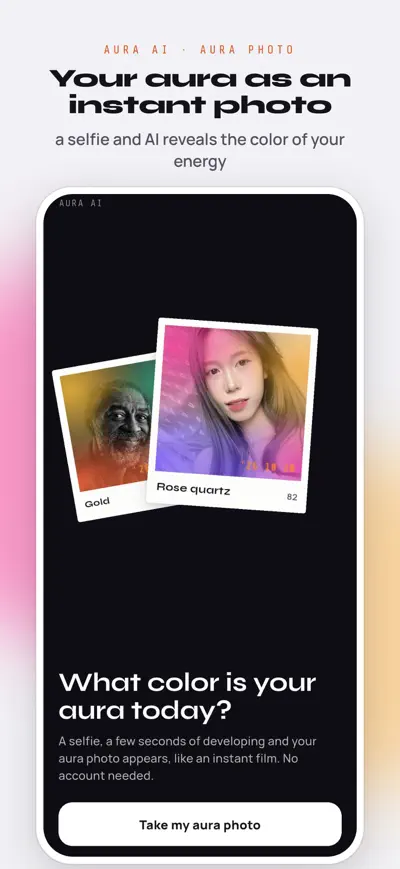
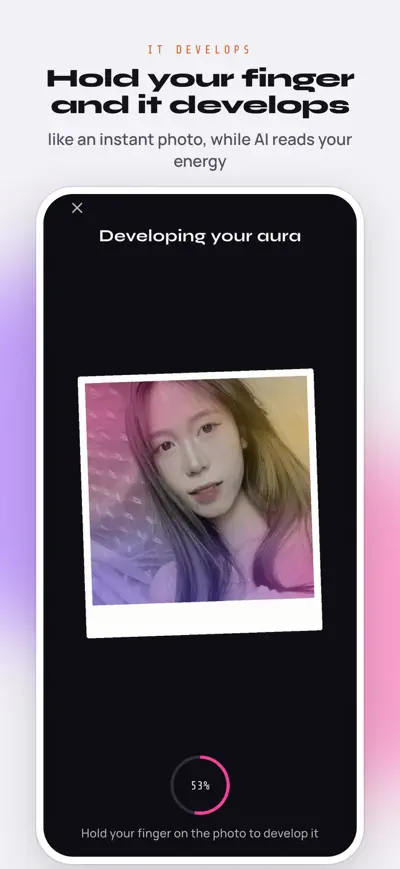
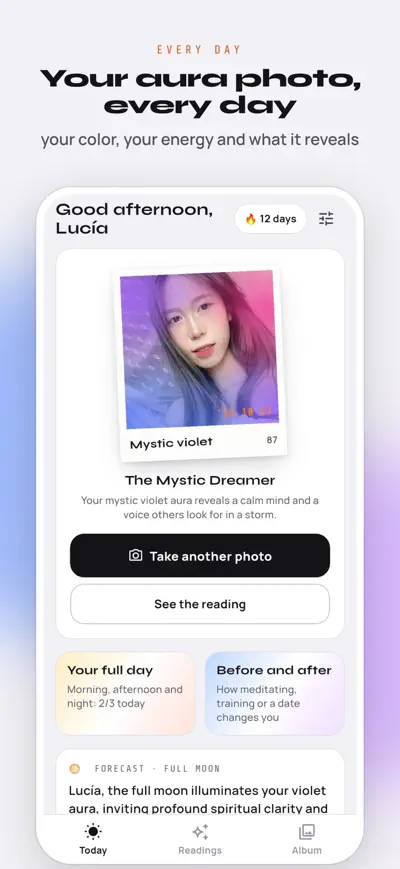
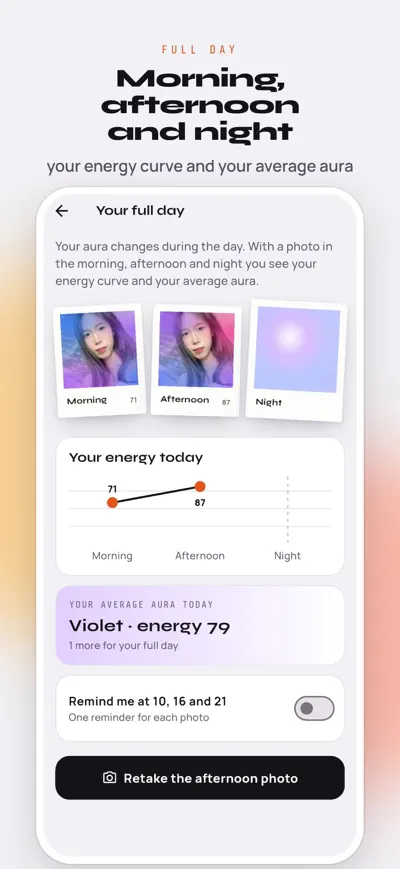
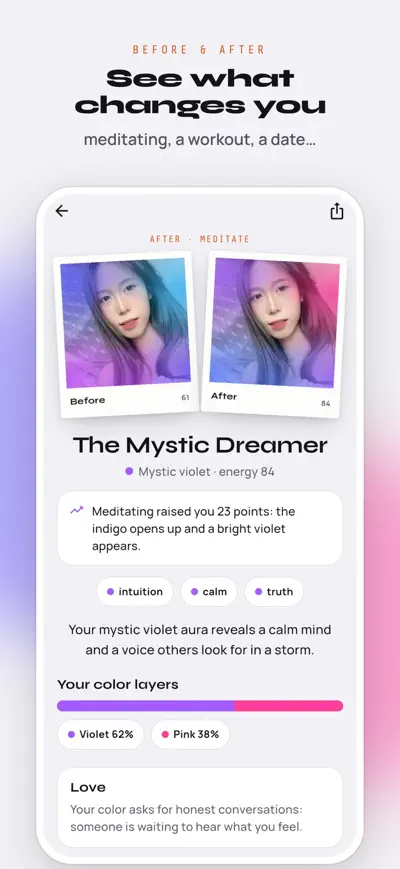
Take a selfie, hold your finger on it and watch your aura photo develop. New: full day and before & after modes.
Take a selfie, hold your finger on it and watch your aura photo develop like an instant film, while the AI reads the color of your energy.
Every photo gets your aura color, your energy level, a title for your day and what your aura reveals, with your color layers, love, work and body, today's advice and a crystal.
Your aura changes during the day. Take a photo in the morning, the afternoon and the night and see your energy curve and your average aura.
One photo right before something and one right after: meditating, a workout, a date, a shower… Your aura shows what it did to you.
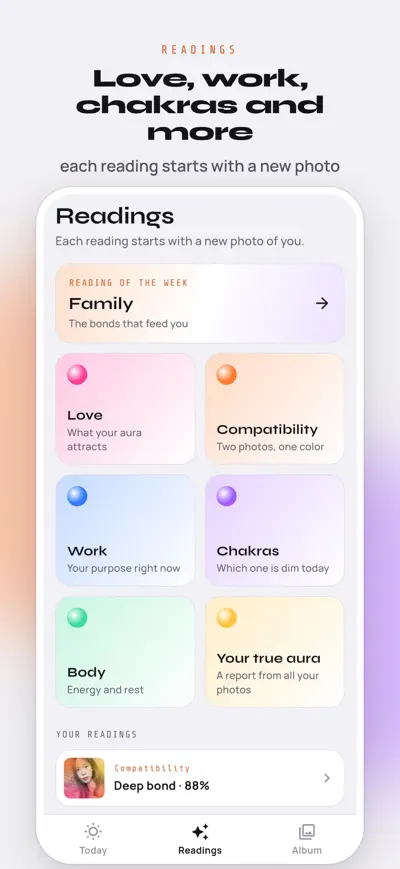
Love, work, chakras, body and a new reading every week. Each reading starts with a fresh photo of you.
Two photos, one color: discover how your auras match as a couple, friends, family or at work.
Your month in colors, your best time of day, your best day of the week and your true aura, read from all your photos. Ask your aura anything in the chat.
Your first aura photo is free. Aura Pro unlocks unlimited photos, full readings, the modes and compatibility, with weekly or yearly plans. Payment is charged to your Apple ID; subscriptions renew automatically unless cancelled at least 24 hours before the end of the period. Manage them in your App Store account settings.
For entertainment and self-reflection. Not a medical or psychological tool.
Terms of Use: https://www.apple.com/legal/internet-services/itunes/dev/stdeula/
Privacy Policy: https://basel1905.com/auraai/privacy.html
Open the Scan tab and tap the camera button. Hold your hand or upper body steady in soft, even lighting. The AI reads your energy field and delivers your aura colors, chakra state, and energy interpretation in seconds.
Use natural, soft light — near a window works great. Avoid strong shadows, harsh backlighting, or very dark scenes. Keep your device steady and center your hand or upper body in the frame.
No account or sign-up required. Your first aura reading is completely free. Aura AI Pro unlocks unlimited scans, full chakra analysis, and unlimited AI Spiritual Guide sessions.
After your first free reading, the subscription screen will appear. Choose your plan — a 3-day free trial is available. Payment is handled securely by Apple (App Store) or Google (Play Store).
On iPhone: Settings → your name → Subscriptions → Aura AI → Cancel. On Android: Google Play → Profile → Payments & subscriptions → Subscriptions → Cancel.
Refunds are handled by Apple or Google. On iOS, visit reportaproblem.apple.com. On Android, contact Google Play support within 48 hours of purchase.
Yes. Use the "Restore Purchases" button inside the app and your subscription will be reactivated on any device using the same Apple ID or Google account.
Ensure good, even lighting — avoid backlit or very dark scenes. Hold still during the scan. Soft daylight near a window gives the best results.