
Cuarteto
Padel americano tournaments
Basel1905 › Sport, health and faith

Step leagues, streaks & routes
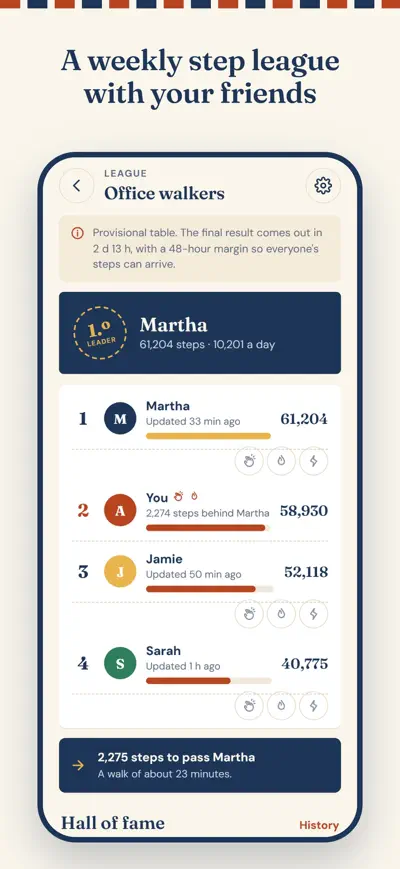
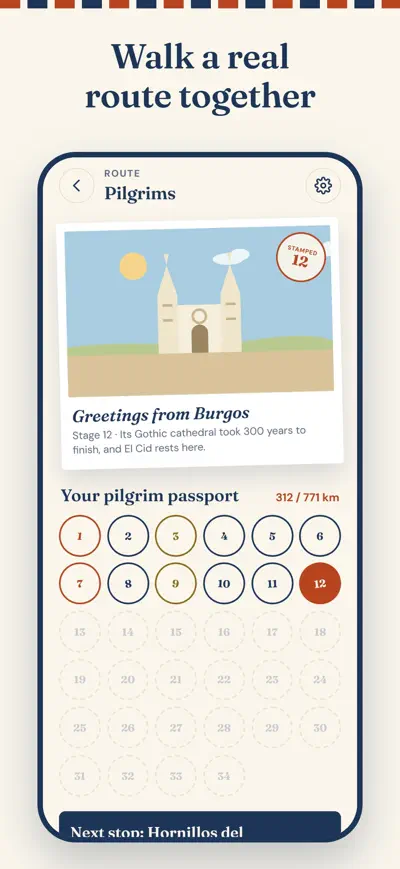
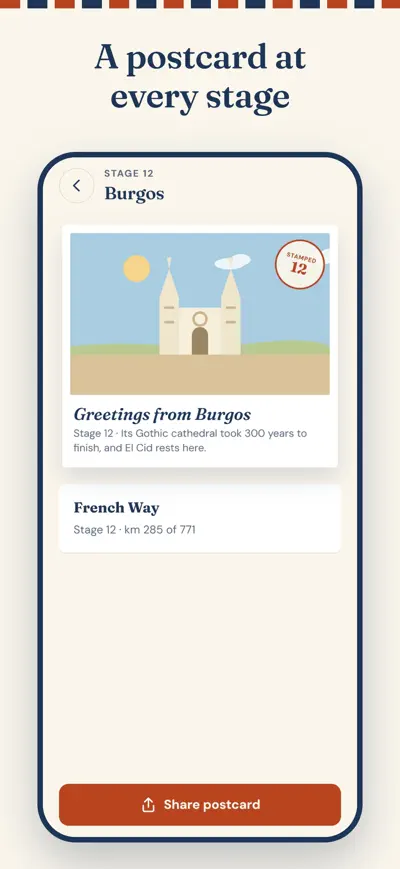
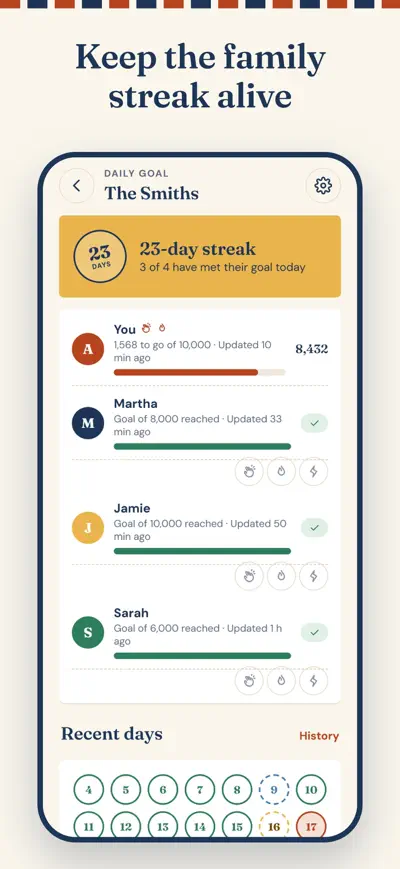
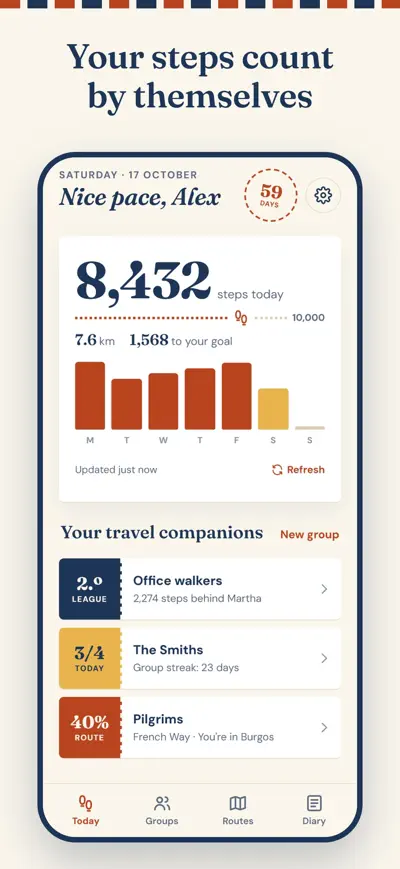
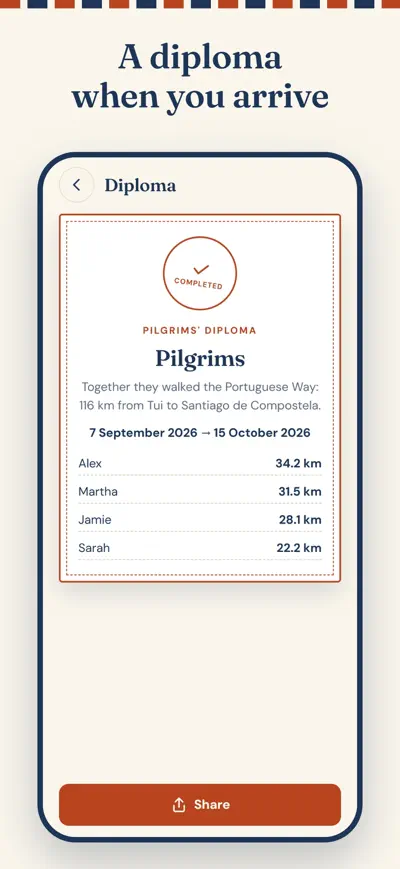
Your everyday steps become a weekly league with friends, a group streak with family or a real route like the Camino de Santiago, with a postcard at every stage.
Walk in your daily life and Walko turns it into a game with your people. It reads the steps your phone and watch already count, so you don’t need to start anything or keep the app open.
Free: create one group, join as many as you like and walk the Portuguese Way. Walko Plus (monthly, yearly with a 7-day free trial, or lifetime) adds unlimited groups, every route, 2 streak freezes a month and your full history. When a group creator has Plus, the whole group walks their routes for free. Walko is not a medical device.
iPhone: open the Health app, tap your photo › Apps › Walko and turn on Steps and Walking + Running Distance. Android: open Health Connect › App permissions › Walko and turn on Steps, Distance and Access in the background. Then open Walko and tap Refresh.
Steps upload when you open Walko and in the background: on iPhone at most about once an hour, on Android every 15–30 minutes. Don’t close Walko by swiping it up. On some Android phones (Xiaomi, Huawei, Samsung) turn off battery optimisation for Walko. Leagues and streaks have a 48-hour margin, so late steps still count for the right day.
Open the group and tap Invite to share a link, or give them the 6-letter code. They can join with “Join with a code”.
To avoid mistakes, days above 60,000 steps count as 60,000 until another member of the group accepts them.
In daily-goal groups, if you miss your goal a freeze is used automatically and the group keeps its streak. Plus gives you 2 every month, and you can buy packs.
On your old phone, go to Settings › Recovery code and keep the code. On the new phone, choose “I have an account” (or Settings › Use a code) and type it.
Settings › Restore purchases, using the same Apple ID or Google account you paid with. If it still doesn’t work, write to us.
Padel americano tournaments

Workouts and nutrition

Memory games for older adults

Guided rosary and daily gospel