Tejados
Daily logic puzzles on village rooftops
Basel1905 › Board, card and logic games
The AI guesses your doodles
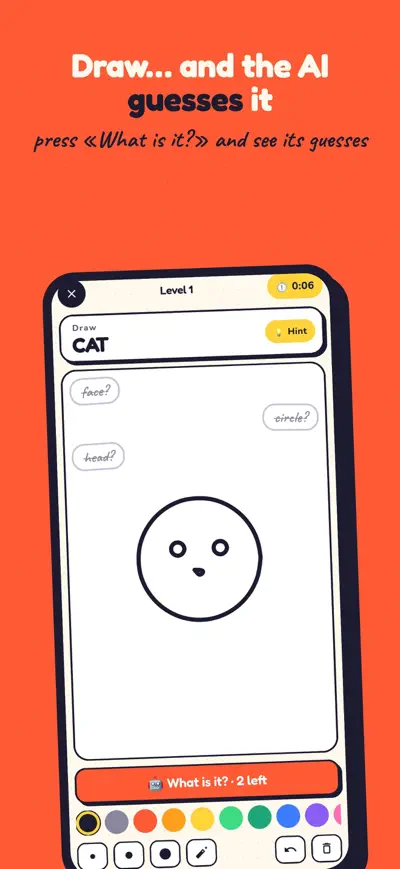
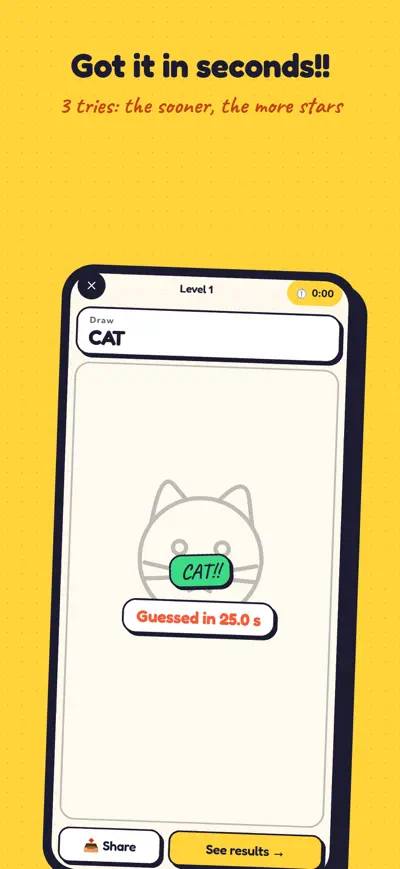
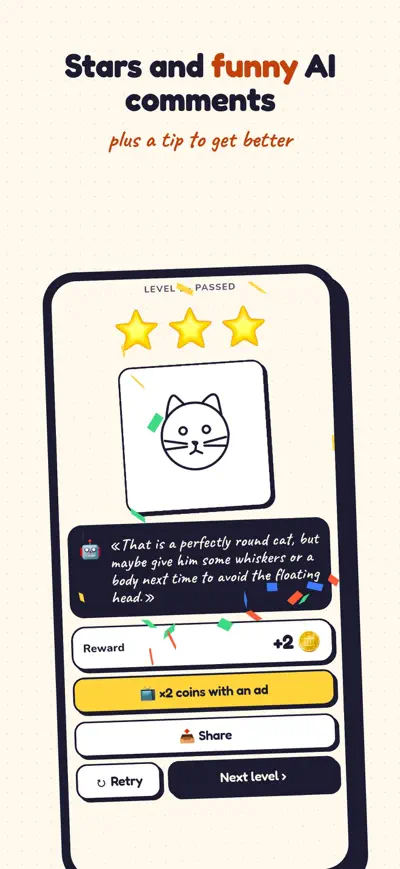
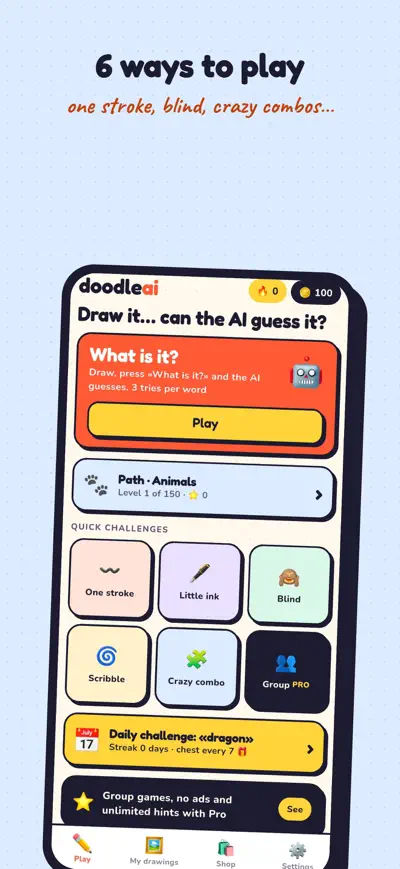
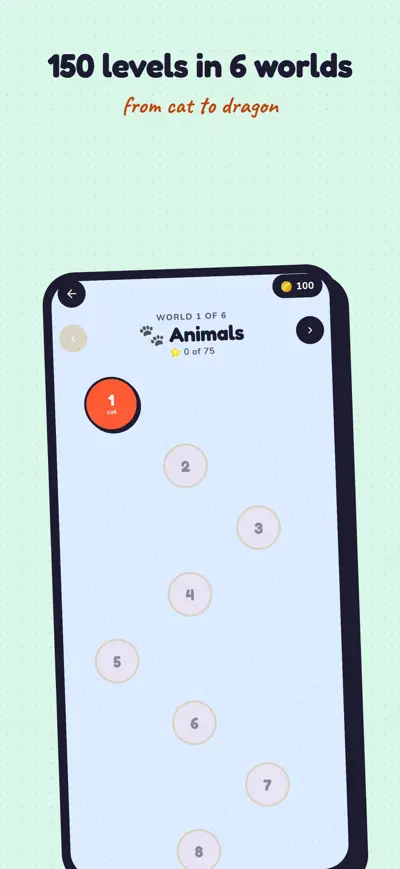
Draw, press «What is it?» and watch the AI guess your doodle. 150 levels, crazy challenges and group games!
Draw it… can the AI guess it?
Doodle AI is the drawing game where an AI looks at your doodle and tries to guess what it is. Draw the word, press «What is it?» and see its three guesses. Got it at the first try? Three stars. The AI says «a potato?» Add some whiskers and try again!
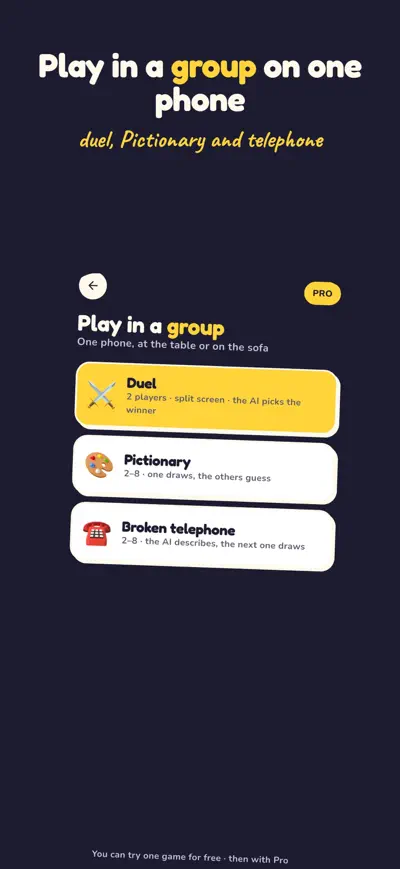
Group games, live mode (the AI guesses while you draw), no ads, unlimited hints, exclusive brushes and 500 coins every week. Yearly plan with a 3-day free trial, or monthly. Subscriptions renew automatically unless cancelled at least 24 hours before the end of the period; manage them in your App Store account settings.
Terms: https://www.apple.com/legal/internet-services/itunes/dev/stdeula/
Select a game mode from the home screen — Classic or Daily Challenge. In Classic mode, you get a word prompt and a canvas to draw on. When time is up (or you tap Done), the AI analyzes your drawing and gives you a score from 0 to 100. The better the AI recognizes your drawing, the higher your score!
Classic Mode: Draw a series of words in sequence. You get 3 sessions per day on the free plan, reset every 24 hours. Daily Challenge: One set of curated words per day, shared by all players. Complete it to keep your daily streak alive.
No account or sign-up required. DoodleAI works instantly. Your game history, scores, and streaks are all stored locally on your device.
Your drawing is sent over HTTPS to the Google AI (Gemini model) which analyzes the image and returns a recognition score and feedback. The score reflects how recognizable your drawing is. The AI processes your image in real time and does not store it.
AI recognition focuses on distinctive features — try to emphasize the most recognizable parts of the object. For example, for "cat" draw pointy ears and whiskers prominently. Simpler, clearer drawings often score higher than complex detailed ones.
After your 3 free daily Classic sessions are used, the subscription screen will appear. Choose monthly or annual. Payment is handled securely by Apple (App Store) or Google (Play Store).
On iPhone: Settings → your name → Subscriptions → DoodleAI → Cancel. On Android: Google Play → Profile → Payments & subscriptions → Subscriptions → Cancel.
Refunds are handled by Apple or Google. On iOS, visit reportaproblem.apple.com. On Android, contact Google Play support within 48 hours of purchase.