
Tejados
Daily logic puzzles on village rooftops
Basel1905 › Board, card and logic games

Get everyone on the right bus





New: 100 levels in 5 worlds with tunnels, hidden passengers and barriers, extra levels after 100 and a daily challenge with streak rewards.
A colourful crowd is waiting at the bus stop. Tap people with a clear way out and they walk to the stop by themselves: if the bus is their colour they get on, if not they sit on the bench. Each bus leaves when it is full and the next one pulls in. Plan who goes first and don't let the bench fill up!
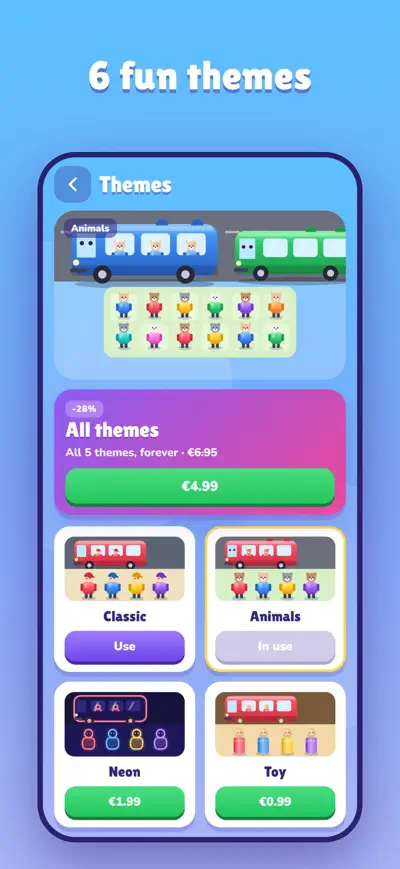
Busko is free to play. It contains ads and optional in-app purchases (coins, themes and ad removal).
Progress is saved on your device, not in an account. Deleting the app or clearing its data removes it. Purchases are not lost: use “Restore purchases”.
Open the Shop or Themes and tap “Restore purchases” at the bottom. Use the same Apple ID or Google account you bought with. Remove ads, the starter pack and themes come back; coins already spent cannot be restored.
Look at the next buses in the queue and free people of those colours first: the bench only has a few seats. VIP, Shuffle and Extra seat help in tricky moments, and you can continue once with two more bench seats.
Go to Settings › Ad privacy (shown where consent is required). On iOS you can also change tracking permission in Settings › Privacy & Security › Tracking.
Payments are handled by Apple or Google, so refunds are requested from them: reportaproblem.apple.com for the App Store, or play.google.com/store/account for Google Play.